
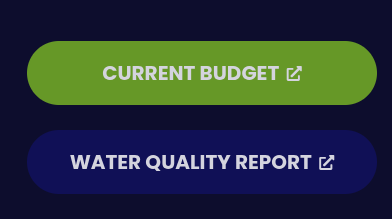
The Legal Buttons feature in your site editor allows you to quickly link key statutory documents (such as your municipal budget, tax report, or water quality report) directly to prominent buttons in your website footer.
Step-by-Step Instructions
Log in to the Editor
Access your administrative dashboard using your login credentials.
Open Legal Buttons
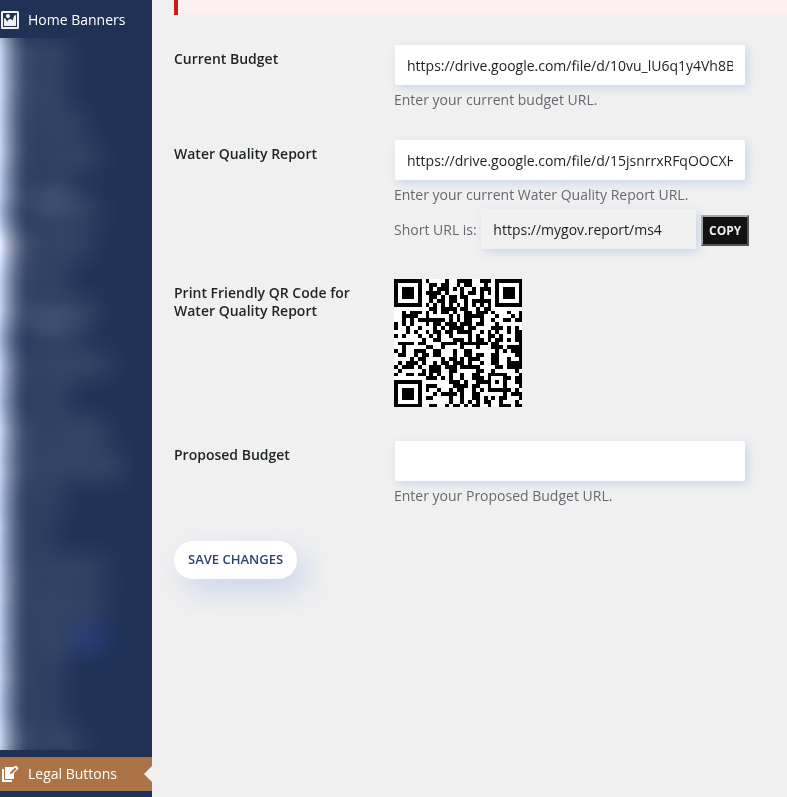
From the left-hand sidebar menu, locate and click Legal Buttons.
Enter File Links
Paste the shareable link (e.g., Google Drive link) into the appropriate field:
Current Budget: Paste the direct link to your current adopted budget.
Water Quality Report: Paste the direct link to your annual drinking water quality / consumer confidence report.
Proposed Budget: Depending on your version, enter your tax rate notice or proposed budget link.
Save Your Changes
Click the Save Changes button at the bottom of the page to publish your updates to the live site.
Special Features & Tips
Permanent Short URL & QR Code (Water Quality Report):
The Water Quality Report section automatically generates a static short URL (e.g.,
[https://mygov.report/](https://mygov.report/)...) and a print-friendly QR code.Tip: Add this QR code or short link directly to your monthly utility bills. Because the short URL and QR code never change, residents who scan or visit the link will always be directed to whichever file is currently saved in this field.
Dynamic Footer Visibility (Version Update):
On newer versions of the editor, you have the option to include a Proposed Budget link alongside or in place of tax information.
Adding a valid link automatically illuminates the corresponding button in your site's footer.
Leaving the field blank automatically hides the button, keeping your footer clean when a proposed budget or report is not active.